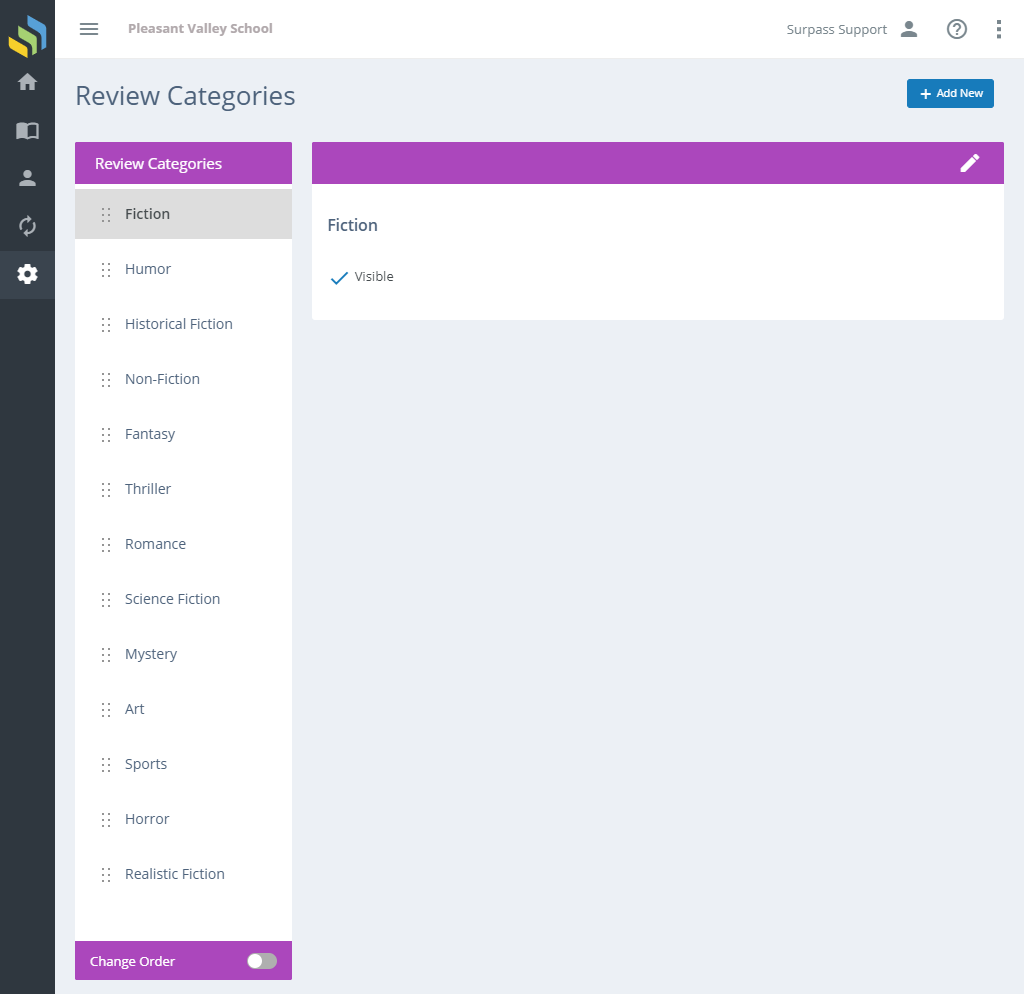
Surpass Cloud OPAC's reviews features enable patrons to write reviews of books they have read and other library resources. Patrons can select one or more categories for their reviews to help other patrons find reviews for topics that interest them. This is where you can configure those categories.
Applies to All Locations and OPAC Configurations
Review categories are global and affect all library locations and OPAC configurations. If your library is a part of a Surpass Cloud system with multiple library locations, work together with the other libraries to come up with a set of review categories that works for all.
Adding and Editing
See Adding and Editing Records for more information on adding and editing records in Surpass Cloud.
Form Fields

- Caption - The name of the review category type.
- Visible - Whether the review category is visible to patrons in Surpass Cloud OPAC.
Rearranging Review Category Order
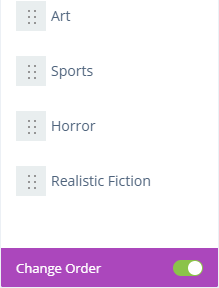
You can change the order in which review categories are shown in Surpass Cloud OPAC. To do so, click the Change Order toggle switch at the bottom of the list of review categories, then drag and drop a category to move it where you want it to appear in lists.